Integrating UPI QR Code Payments in WooCommerce: A Complete Guide
KwikUPI Editorial
Expert in UPI Automation
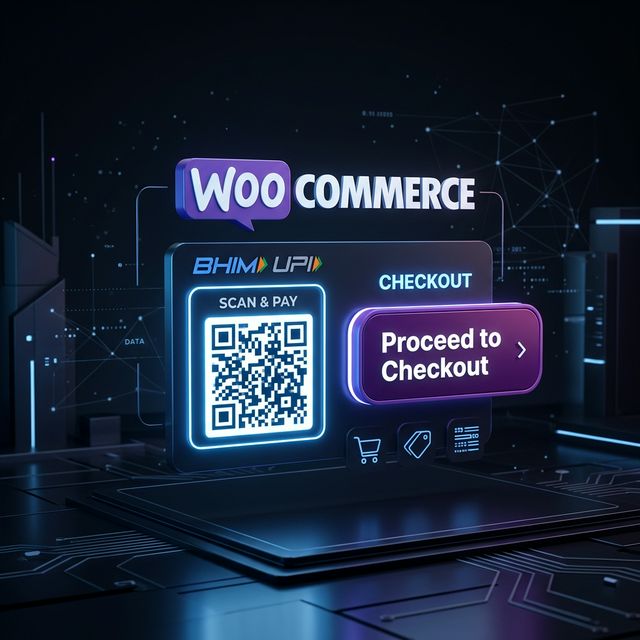
WooCommerce is the powerhouse of Indian e-commerce, powering thousands of stores ranging from niche handicraft shops to high-volume electronics retailers. However, the checkout page is often where the most critical drop-offs occur. In India, most customers prefer paying via UPI because it is fast and they don't need to fumble with card numbers or OTPs. But for a store owner, the challenge has always been either paying high fees for a gateway or manually asking for payment screenshots—which is unprofessional and unscalable. The KwikUPI WooCommerce integration solves both problems simultaneously.
Why UPI QR Codes are a Game Changer for Checkout
Mobile-first buyers in India are wary of redirects to banking pages. They want to stay within their flow. When a customer sees a "Scan to Pay" QR code directly on your checkout page, it builds trust and reduces friction. For desktop users, they can simply pick up their phone, scan, and it is done. For mobile users, KwikUPI's "Intents" support allows them to open their favorite UPI app (GPay, PhonePe, Paytm) with a single tap. This level of convenience significantly boosts your conversion rate.
Step-by-Step Integration Guide
1. Prerequisites
Before you begin, ensure you have a KwikUPI account and your PayTM Merchant ID ready. PayTM acts as the bank-end settlement layer while KwikUPI acts as the automation software.
2. Installing the Module
Download the KwikUPI WooCommerce plugin from your dashboard. In your WordPress admin, go to Plugins > Add New > Upload. Once installed, activate the plugin. You will see a new "KwikUPI" option under your WooCommerce Payments settings.
3. Configuring API Keys
Navigate to the KwikUPI settings in WooCommerce. Here, you will enter your API Key and Secret available in your KwikUPI dashboard. This initiates the secure link between your store and our verification servers.
4. Customizing the User Experience
One of the best features of the KwikUPI module is customization. You can set the checkout timer (we recommend 5 minutes to create urgency), customize the "Pay with UPI" button text, and even add your own branding to the payment page. This ensures the payment flow feels like a natural part of your store.
SEO Benefits of a Faster Checkout
While often overlooked, checkout performance affects your SEO. Google values user experience (UX) and site speed. A streamlined payment flow that keeps users on-site and completes transactions faster signals a high-quality site to search engines. Moreover, by clearly stating you accept UPI on your landing pages, you rank for high-intent keywords like "buy X with UPI".
Scaling Your WordPress Business
As your store grows, manual verification becomes impossible. KwikUPI handles thousands of transactions daily with high reliability. Our webhooks can trigger other actions, such as sending an instant WhatsApp confirmation to the customer or updating your inventory management system the second the payment is confirmed.
Ready to save on transaction fees?
Join thousands of Indian businesses using KwikUPI to automate their payment collection with 0% extra cost.