Automating WHMCS Payments with KwikUPI: Step-by-Step Tutorial
KwikUPI Editorial
Expert in UPI Automation
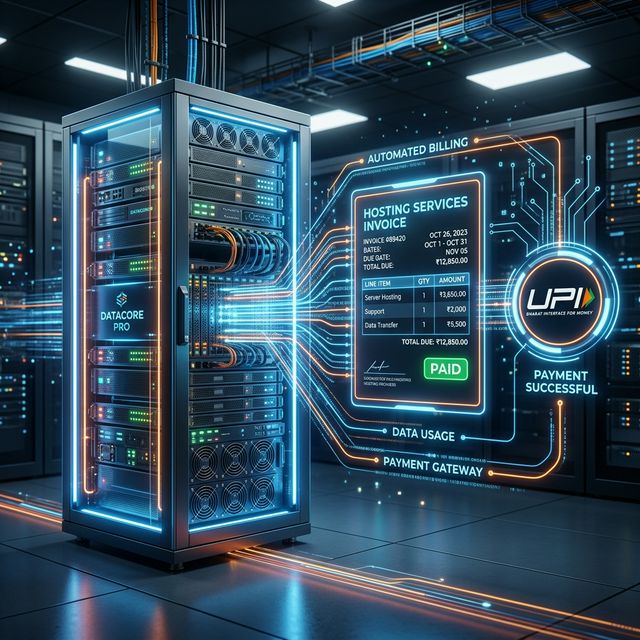
For hosting companies and service providers using WHMCS, the billing cycle is the heart of the operation. Nothing is more frustrating than a customer paying via UPI, sending a screenshot, and then waiting for an admin to manually mark the invoice as paid to trigger the service activation. This manual delay leads to support tickets and customer dissatisfaction. KwikUPI's WHMCS module eliminates this bottleneck, providing a truly "hands-off" billing experience.
Why UPI is Preferred for Hosting
Indian hosting customers are very price-sensitive. When you add a 3% gateway fee to their invoice, they notice. When you offer "Automated UPI" as a payment method with no extra charges, it becomes their preferred choice. Moreover, since hosting involves recurring payments, having a fast, reliable mobile-friendly option is key to maintaining low churn rates.
Detailed WHMCS Installation Guide
Step 1: File Deployment
Upload the contents of the KwikUPI WHMCS module to your WHMCS installation directory. The files should be placed in `modules/gateways/`. You will see `kwikupi.php` and its associated assets folder.
Step 2: Activation
Login to your WHMCS Admin Area. Navigate to Setup > Payments > Payment Gateways. Under "All Gateways," find KwikUPI and click on it. It will now appear in your "Active Gateways" list.
Step 3: Configuration
Fill in your Display Name (e.g., "Pay via UPI QR Code"), API Key, and Secret. Crucially, set your PayTM Merchant ID here. This ensures that when a client pays, WHMCS knows exactly which bank account to verify against.
Advanced Automation Features
- Mobile Detection: On mobile devices, the module shows a "Pay with any UPI App" button that deep-links directly to the apps. No QR scanning needed!
- Live Status Polling: The payment page polls KwikUPI servers every 3 seconds. The moment the bank confirms the transfer, the page auto-refreshes to the WHMCS "Success" page.
- Webhook Integration: Even if the user closes their browser, KwikUPI webhooks will notify WHMCS independently, ensuring the invoice is marked paid and the server/hosting account is provisioned immediately.
A Pro Tip for Hosting SEO
Mentioning "Affordable Hosting with UPI Payment" on your landing pages is a powerful SEO strategy in India. Many potential customers specifically search for hosts that support UPI. By using KwikUPI, you can advertise "0% Gateway Fees," giving you a clear competitive advantage in search results.
Ready to save on transaction fees?
Join thousands of Indian businesses using KwikUPI to automate their payment collection with 0% extra cost.